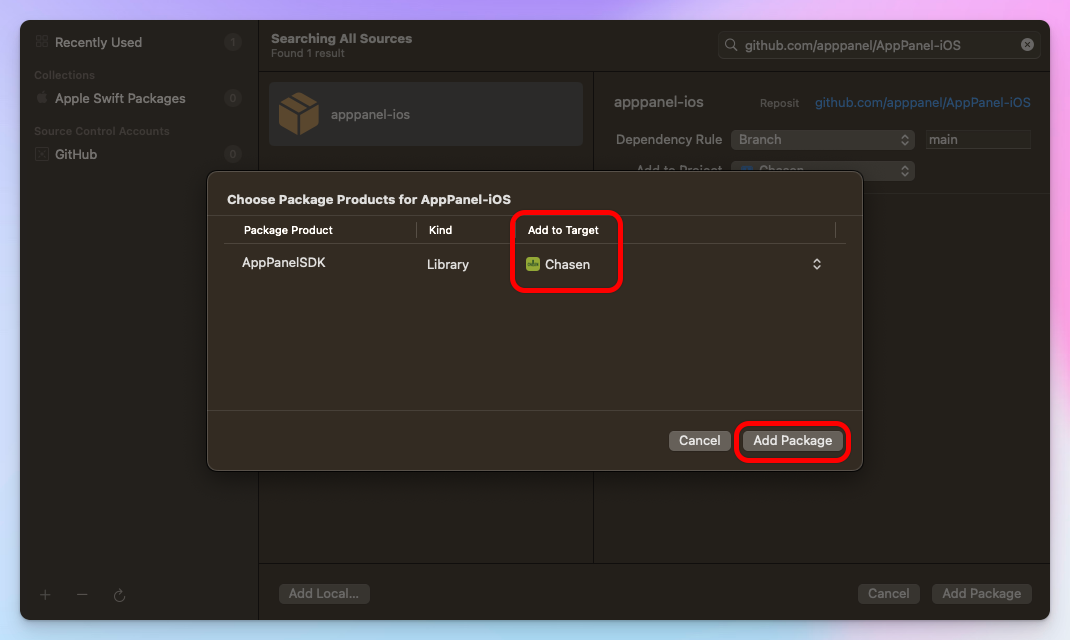
Requirements
- iOS 13.0 or later
- Xcode 14.0 or later
- Swift 5.7 or later
Install via Swift Package Manager
Swift Package Manager is a tool for automating the distribution of Swift code and is integrated into the Swift compiler.Step 1: Add Package Dependency
In Xcode, select File ▸ Add Packages…: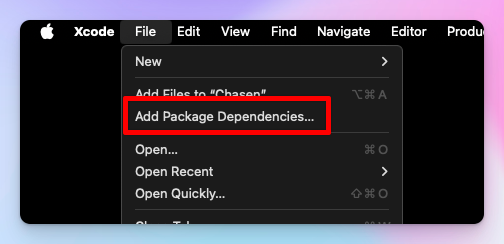
Step 2: Enter Package URL
Enter the AppPanel SDK repository URL: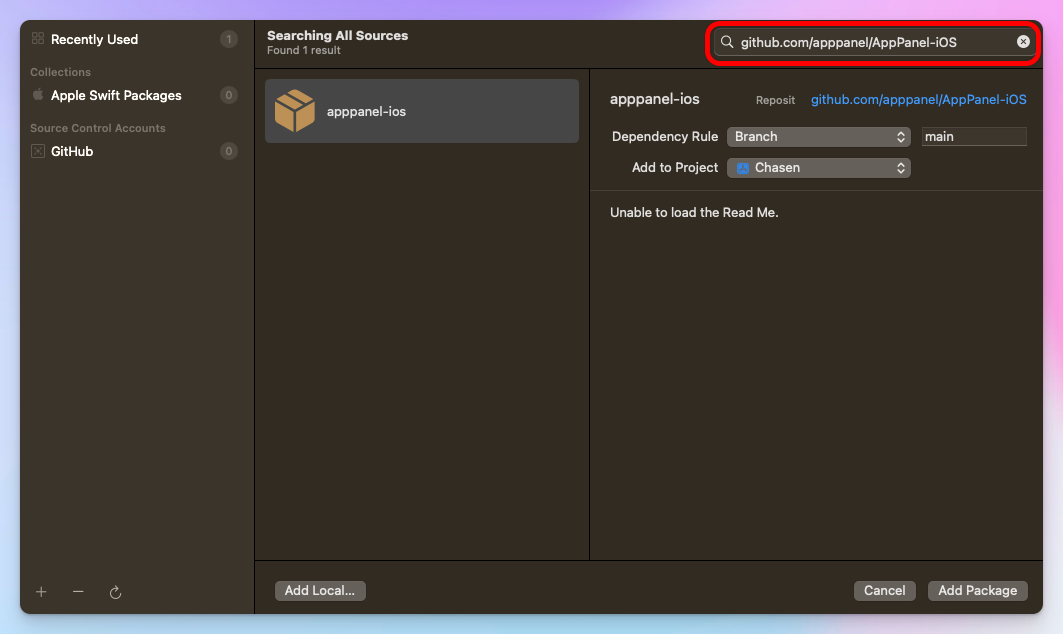
Step 3: Select Package Options
Choose the version rule (recommend “Up to Next Major Version”):